

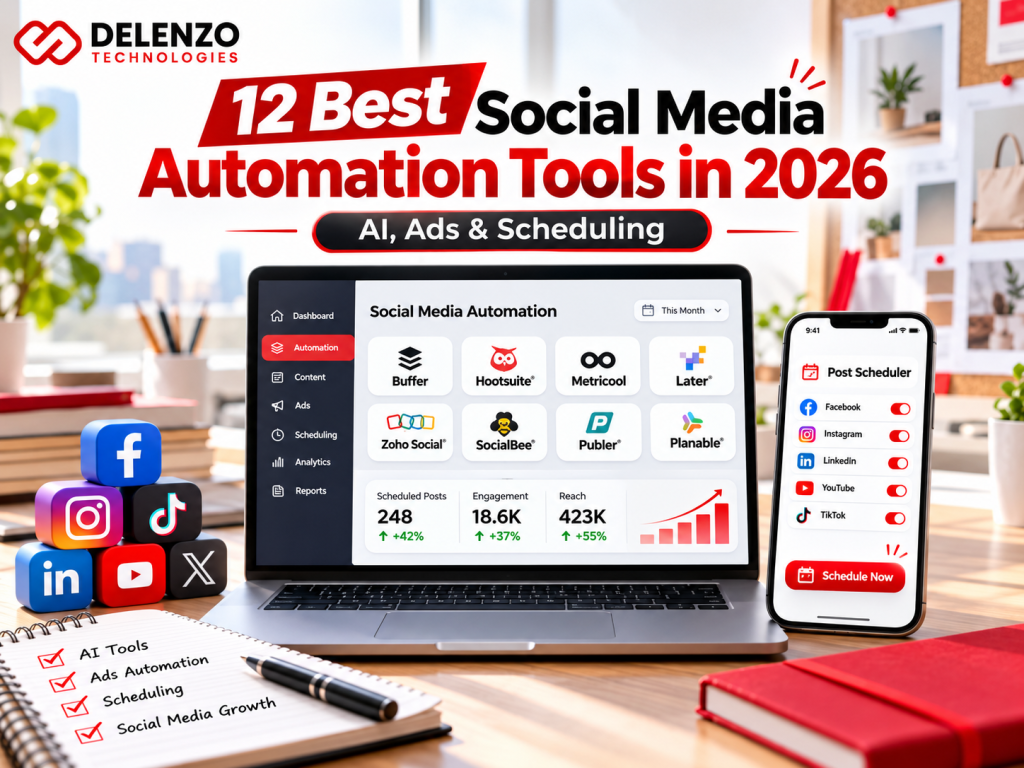
Social media automation tools help businesses plan content, schedule posts, manage conversations, and measure results without repeating every task manually. The best social media automation tools in 2026 range from simple publishing calendars to AI-powered workflows and paid advertising rules. Choosing the right platform depends on your channels, team size, budget, and marketing goals—not how many features appear on a pricing page.
For US businesses, including local brands in Dallas, the practical goal is consistent communication that generates qualified inquiries and sales. Automation supports that goal, but it cannot replace a clear offer, original creative, or human judgment.
What Are the Best Social Media Automation Tools in 2026?
Quick answer: Buffer is a straightforward starting point; Meta Business Suite handles free Facebook and Instagram scheduling; SocialBee organizes evergreen posts; Metricool emphasizes reporting; Planable manages approvals; Gumloop builds custom AI workflows; and Bïrch applies rules to paid campaigns. These are different jobs, so no single tool wins every category.
Best Social Media Automation Tools at a Glance
| Tool | Best use | Key strength |
|---|---|---|
| Buffer | Creators and small teams | Simple cross-channel queues |
| Meta Business Suite | Facebook and Instagram | Native publishing and inbox |
| FeedHive | AI-assisted content teams | AI drafts and recycling |
| SocialBee | Evergreen content | Category-based posting |
| Later | Visual brands | Grid and media planning |
| Metricool | Performance reporting | Organic and paid analytics |
| Hootsuite | Large account portfolios | Centralized management |
| Sprout Social | Customer engagement | Listening and social inbox |
| Planable | Approval-heavy teams | Collaborative review |
| Sendible | Agencies | Client-focused workspaces |
| Gumloop | Custom AI operations | Connected automations |
| Bïrch | Paid social advertisers | Conditional ad rules |
What Is Social Media Automation and How Does It Work?
Social automation uses software to complete repeatable marketing activities according to a schedule, trigger, or defined condition. A tool might publish an approved Instagram Reel at 6 p.m., alert a manager about an unanswered message, or create a draft caption when a new article is published.
Which Social Media Tasks Can Businesses Automate?
Common examples include content-calendar reminders, post scheduling, evergreen recycling, first-draft captions, reporting, and message routing. Businesses should still review factual claims, customer complaints, and sensitive replies. An automated social media account is not a license to spam followers or imitate personal conversations.
Social Media Scheduling Tools vs AI Content Automation Platforms
Schedulers move approved content from a calendar to a social network. Content automation platforms can also research topics, generate versions, transform long videos into short posts, and connect applications. Both may use AI, but AI-generated content needs editorial checks. Our guide to digital marketing trends in 2026 explains why useful, trustworthy content still matters.
12 Best Social Media Automation Tools Compared
The following recommendations reflect each product’s principal use case, rather than a claim that every feature is available on its cheapest plan.

1. Buffer — Best for Simple Multi-Platform Publishing
Buffer combines a publishing queue, content calendar, AI writing assistance, and performance insights. Its approachable interface suits a consultant managing LinkedIn, Instagram, and Facebook together. A free tier supports limited scheduling; paid subscriptions are generally charged by channel. Best for: small teams that value simplicity. Consider another tool if: complex client approvals or enterprise governance are your priority.

2. Meta Business Suite — Best for Facebook and Instagram Automation
Meta Business Suite lets eligible businesses schedule posts, monitor basic insights, and manage Facebook and Instagram messages in a native workspace. It is a sensible free choice when those are your only channels. It does not replace Meta Ads Manager for advanced advertising strategy or all campaign controls. Best for: local service providers and retailers focused on Meta’s platforms.

3. FeedHive — Best for AI-Assisted Social Content
FeedHive offers AI-assisted drafting, smart scheduling, post recycling, and team workflows. Its combination of creation and publishing appeals to brands with frequent content needs. Among FeedHive alternatives, Buffer may feel simpler and Gumloop offers more customizable cross-app processes. Best for: marketers who want AI inside the social publishing workflow. Review every generated claim and caption.

4. SocialBee — Best for Content Categories and Evergreen Scheduling
SocialBee organizes posts into categories such as educational tips, promotions, testimonials, and blogs. Evergreen queues can reshare approved material, while time-sensitive announcements publish once. This is useful for a Dallas contractor whose seasonal maintenance tips remain relevant. Best for: businesses with a strong library of reusable content. Avoid recycling expired offers or outdated information.

5. Later — Best for Visual Content Planning
Later focuses on visual calendars, media organization, and planning for image- and video-led channels. Designers can preview how campaigns appear before publishing. Best for: fashion, beauty, hospitality, and ecommerce brands. Teams creating platform-specific artwork can compare AI social media post generators before moving approved assets into a scheduler.

6. Metricool — Best for Analytics and Marketing Reports
Metricool brings content planning and performance measurement together, including reporting features useful for client updates. It helps teams compare posting activity with engagement and advertising outcomes. Best for: agencies and growing businesses that need recurring performance reviews. Check plan limits for brands, history, competitors, and downloadable reports.
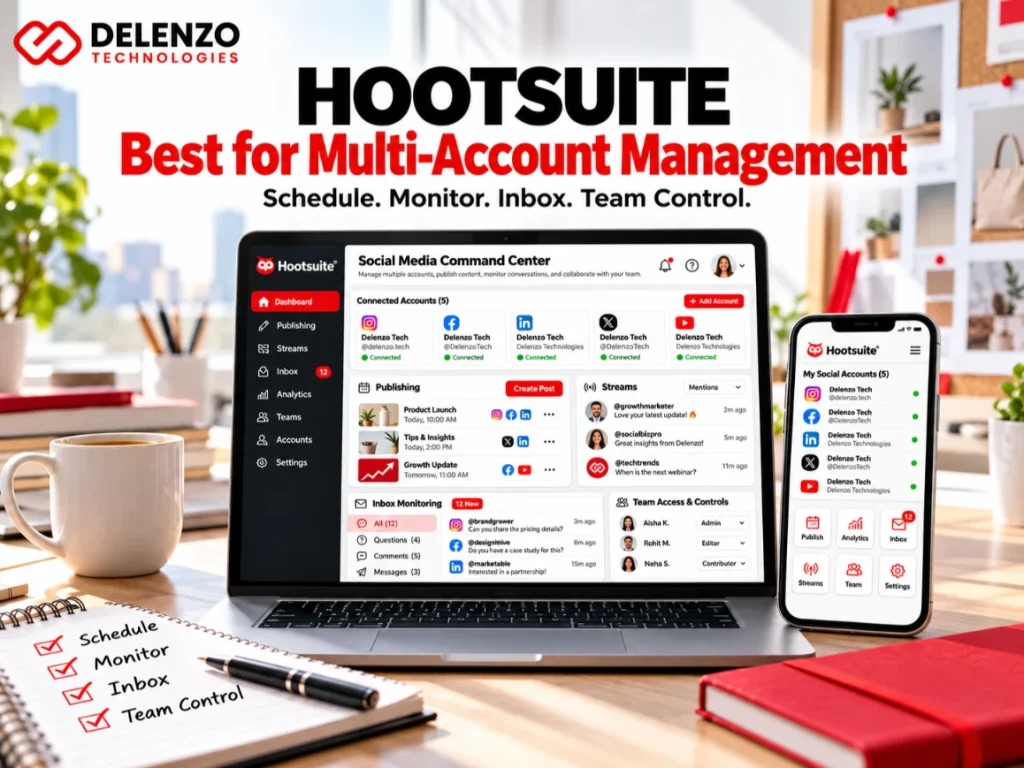
7. Hootsuite — Best for Multi-Account Management
Hootsuite combines scheduling, monitoring, inbox management, and team controls in a larger management environment. This suits organizations overseeing numerous profiles and staff members. Best for: established teams with complicated operations. Its broader feature set may be unnecessary for a single-location business publishing a few times weekly.
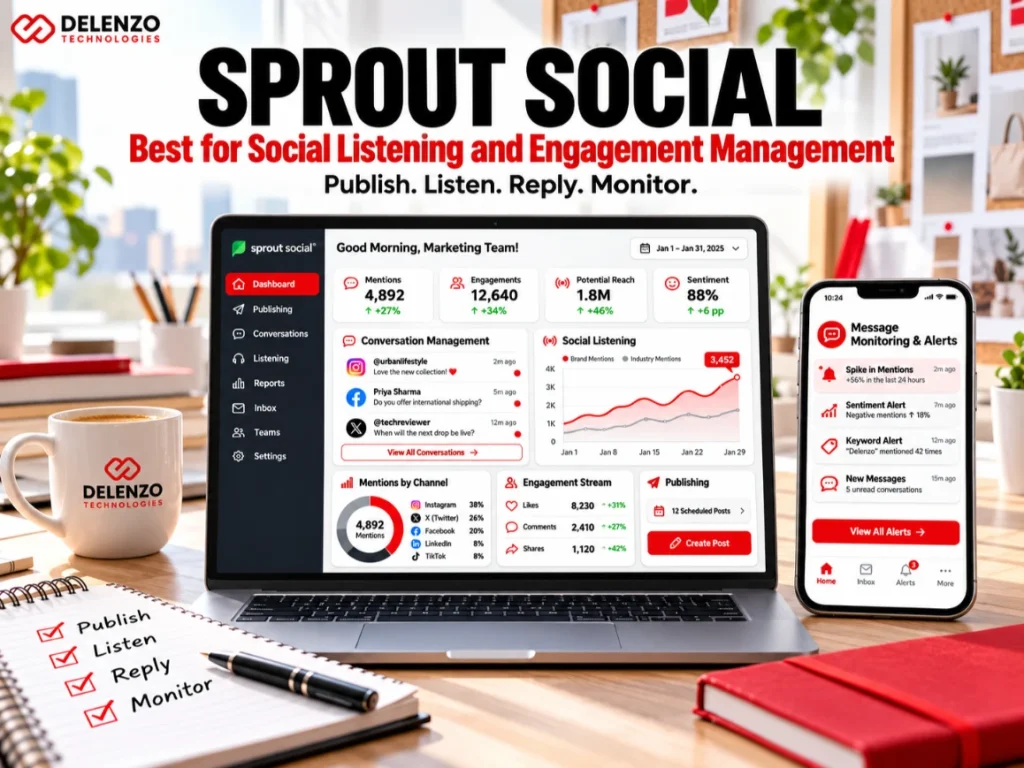
8. Sprout Social — Best for Social Listening and Engagement Management
Sprout Social offers publishing, analytics, conversation management, and social listening capabilities, although advanced features can depend on the subscription. It supports automated social feedback solutions by helping teams identify and route relevant conversations. Best for: brands where customer care and reputation monitoring justify a premium platform. Human oversight remains essential for complaints.

9. Planable — Best for Team Collaboration and Content Approvals
Planable creates a shared workspace where writers, designers, managers, and clients can preview and approve content before release. Structured approval steps reduce publishing mistakes. Best for: marketing teams needing documented sign-off. This matters especially for regulated industries, multi-location businesses, or agencies publishing on clients’ behalf.

10. Sendible — Best for Agency Client Management
Sendible is built around multiple brands, scheduling workflows, collaboration, and reporting. Agencies can separate client accounts while maintaining consistent delivery. Best for: teams evaluating social media automation service pricing agency options and managing several customers. Compare pricing by users, profiles, and reporting requirements—not the advertised entry price alone.
11. Gumloop — Best for Custom AI Marketing Workflows
Gumloop is a broader AI marketing operations platform, not simply a conventional social scheduler. It can connect apps, analyze content performance, generate a calendar, and prepare drafts for review. For example, an approved blog could trigger short-form ideas and a draft LinkedIn post. Best for: businesses comfortable configuring custom workflows. Permissions, integrations, and review steps require deliberate setup. See our comparison of AI workflow automation tools for additional integration options.
12. Bïrch (Formerly Revealbot) — Best for Paid Social Automation Rules
Bïrch supports conditional rules for Meta advertising, including budget changes, pausing ads, and alerts based on performance metrics. It is paid social automation, not a full graphic-design generator or general social publishing tool. Best for: advertisers with enough campaign activity to benefit from systematic safeguards. Test rules carefully; automated decisions can still waste spend if thresholds are wrong.
Which Facebook Automation Tools Are Best for Businesses?
Facebook automation tools should match the task. Use Meta Business Suite for organic publishing, an approved scheduling platform for multiple networks, and Ads Manager or specialized software for advertising. Never confuse automated posting with automated lead generation.
How Can You Automate Facebook and Instagram Publishing?
Connect business accounts, choose posting permissions, upload approved media, tailor captions for each platform, and schedule content. Review platform-specific requirements for Reels, Stories, carousels, and music before relying on automatic publication.
What Is the Best Ad Creative Automation Platform for Paid Social?
The best choice depends on whether you need creative production, campaign rules, or both. Design tools create variants; Bïrch manages performance-triggered actions. Neither substitutes for strong messaging. Start with our guide to Facebook and Instagram ads that convert before automating more spend.
How Can Businesses Connect Facebook Ads with Booking Automation?
A Dallas salon, dental office, or home-service company can send a Facebook lead form submission into a CRM, trigger a permitted follow-up, and provide a booking link. This booking automation software Facebook ads local business workflow needs consent, duplicate-lead handling, and staff alerts. Track completed appointments rather than counting every form submission as revenue.
Can Automated Social Feedback Solutions Improve Customer Engagement?
Yes, when they categorize comments, detect urgent issues, and notify the correct employee. Automated acknowledgments can help after hours, but refunds, complaints, and sensitive questions should move to a person. Speed without a useful resolution is not good service.
How to Automate Social Media Marketing: A Practical Workflow
Step 1: Choose the Right Social Media Platforms
Choose channels based on audience behavior and conversion goals. A B2B consultancy may prioritize LinkedIn; a Dallas restaurant may emphasize Instagram and Facebook. Do not create accounts simply because a tool supports them.
Step 2: Build an Automated Social Media Content Calendar
Plan educational, promotional, customer-story, and community posts. Assign owners and approval deadlines. Use recurring slots for evergreen topics, while keeping sales and event posts date-specific.
Step 3: Use AI to Create and Repurpose Content
Turn an approved article into captions, a carousel outline, and video scripts. For video, automate transcripts and resizing while retaining human editorial control; see our AI versus human video editing guide.
Step 4: Set Up Multi-Platform Publishing Automation
Connect accounts through authorized integrations. Check aspect ratios, tags, links, accessibility text, and posting permissions. Test one post on each network before activating a full multi-platform publishing automation calendar.
Step 5: Automate Reporting and Social Media Feedback
Schedule weekly reports covering reach, engagement, clicks, inquiries, and conversions. Route unanswered messages to designated staff. Add campaign names and UTM tracking where appropriate for clearer attribution.
Step 6: Measure Campaign Results and Optimize Performance
Review cost per qualified lead, booked appointment, sale, and return on ad spend where measurable. Compare performance with the original goal. Pause poor content thoughtfully; do not let a short-term metric dictate every decision.
How Do You Choose the Right Social Media Automation Platform?
List your required channels, number of profiles, approval steps, reporting needs, and monthly spend. Then run a short trial using actual posts. Evaluate publishing reliability and review time alongside feature count.
Best Social Media Automation for Small Businesses and Creators
Start with Meta Business Suite if you only need Facebook and Instagram. Buffer is a practical option for several networks; SocialBee suits businesses with evergreen educational posts. Begin small and pay for additional capacity only when needed.
Best Social Media Automation for Designers and Creative Teams
Later emphasizes visual planning, while Planable supports feedback and approvals. A good scheduler cannot fix poor source artwork. Use a consistent design system and consider the principles in our small-business graphic design guide.
Best Social Media Automation for Marketing Agencies
Planable is strong for approvals, Sendible for client workspaces, Metricool for performance reports, and Hootsuite for broader management. Compare costs based on clients, profiles, collaborators, and the reporting deliverables included.
Best Social Media Automation for News Publishers
Newsrooms need fast distribution but stronger verification than typical evergreen brands. Consider Hootsuite or Sendible with an approved CMS or RSS integration, editorial checkpoints, and correction procedures. Avoid automatically reposting breaking stories without reviewing updates.
Which FeedHive Alternatives Offer Better Workflow Flexibility?
Buffer offers a simpler publishing workflow; SocialBee provides structured evergreen categories; Planable focuses on approvals; Gumloop can connect AI agents and external systems. The best FeedHive alternative depends on which workflow currently slows your team down.
How Much Do Social Media Automation Tools and Agency Services Cost?
Free vs Paid Social Media Automation Tools
Free offerings are suitable for basic testing, especially native Meta scheduling and limited Buffer plans. Paid plans may add profiles, team members, analytics history, approvals, integrations, and support. Buffer’s annual-billing Essentials price starts at $5 per channel per month; other prices and plan inclusions change, so verify them before purchasing.
What Features Affect Social Media Automation Pricing?
Costs usually increase with connected accounts, users, workflow runs, AI credits, analytics depth, and client reporting. Agencies also charge for strategy, design, engagement, and ad management—not just software access. Request a written scope identifying deliverables, approval rounds, and advertising spend separately.
Should Businesses Use Automation Tools or Hire a Social Media Marketing Agency?
Automation reduces repetitive work; an agency contributes planning, creative direction, execution, and accountability. These options are complementary rather than mutually exclusive.
When Are DIY Social Media Automation Tools Enough?
DIY works when a business has one or two active channels, clear brand guidelines, and someone available to review content and customer messages. Track actual staff hours; inexpensive software is not automatically inexpensive management.
When Should You Hire a Social Media Marketing Agency?
Hire support when content quality is inconsistent, campaign reporting is unclear, paid budgets are growing, or the team cannot manage daily responses. Delenzo Technologies offers social media marketing services for businesses in Dallas and across the USA, including planning, creative execution, paid campaigns, and performance analysis.
Frequently Asked Questions About Social Media Automation
What Are the Best Automated Social Media Tools for Small Businesses?
Meta Business Suite works well for Facebook and Instagram, Buffer for simple cross-platform publishing, and SocialBee for evergreen posts. Choose according to the accounts and tasks you actually manage.
Can Facebook Automation Tools Manage Posts and Advertising?
Yes, but often through different features or products. Business Suite helps manage organic content; Meta Ads Manager and approved paid-media tools handle campaign controls. Review all budget rules before enabling them.
How Does Multi-Platform Publishing Automation Work?
A scheduler connects authorized accounts, stores approved content, and publishes or sends reminders at selected times. Some formats require manual completion because platform APIs and permissions differ.
What Is the Best FeedHive Alternative for Marketing Agencies?
Planable is a strong choice for multi-person approvals, while Sendible focuses on client management. Metricool may be a better fit when analytics and reports drive the agency’s workflow.
How Much Does a Social Media Automation Service Cost?
Software ranges from free entry plans to premium subscriptions priced by accounts or users. Managed agency services depend on strategy, content volume, platforms, and ad oversight. Ask for a custom quote instead of assuming one flat industry rate.
Final Verdict: Which Social Media Automation Tool Should You Choose?
Choose Buffer for simplicity, Meta Business Suite for native Facebook and Instagram, FeedHive for AI-assisted publishing, SocialBee for evergreen content, Metricool for reporting, Planable for approvals, Gumloop for custom AI workflows, and Bïrch for paid social rules. The right tool should remove busywork without removing oversight.
Improve Your Social Media Marketing with Delenzo Technologies
Scheduling alone does not create a profitable marketing strategy. If your business needs stronger content, high-converting campaigns, and meaningful reporting, work with Delenzo Technologies to develop a practical social media plan for Dallas, Texas, or a wider US audience. Build around customer needs, keep people responsible for quality, and automate only what truly improves performance.