
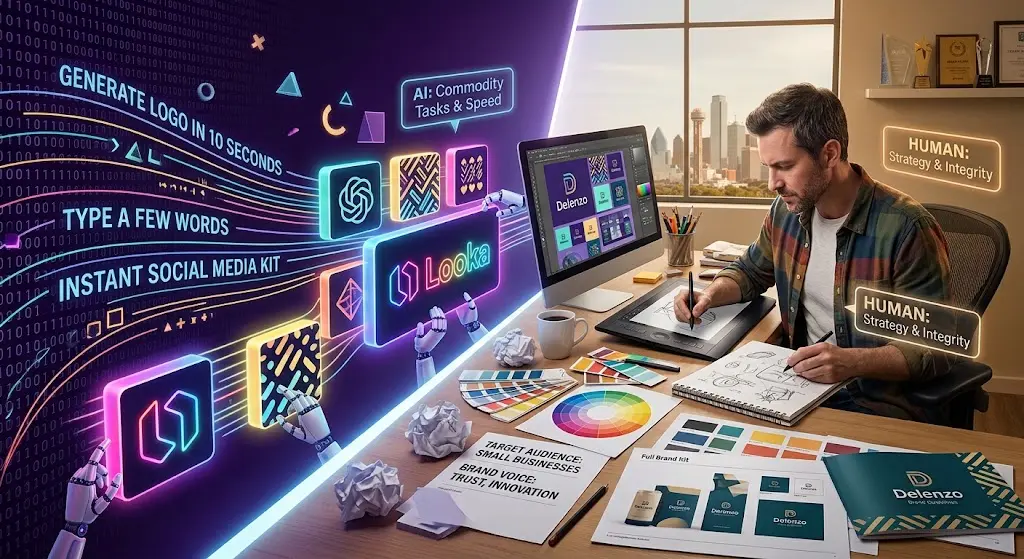
By now, every business owner has seen the ad: you type in a few words, and an AI-powered logo design tool generates a finished logo in ten seconds. You upload a product photo, and an AI tool creates a complete social media kit before your coffee goes cold. It is truly impressive technology that has transformed what a solo entrepreneur can produce without needing to hire a designer.
That is why the question constantly arises—in Facebook groups, agency inboxes, and even in this very search bar: Can AI design tools replace a graphic designer?
Delenzo Technology works with small businesses across the U.S. that raise this question before every rebrand, website launch, or new product line design. This guide offers an honest, unfiltered answer—not the version a software company wants you to believe, nor what a designer would tell you out of self-interest.
The short answer:
No, not entirely; however, AI has taken over a significant portion of design work, and pretending otherwise is a waste of time and money. AI graphic design services handle quick, low-complexity, template-based tasks well. Yet, they still cannot reliably manage brand strategy, consistency across multiple elements, legal originality, or any aspect requiring a professional to question a bad idea before it sees the light of day. Smart businesses don’t choose one option over the other; instead, they use both for different tasks.
What Are AI Design Tools, Exactly?
AI design tools are software platforms that use machine learning models to generate visual content — logos, social posts, banners, even full brand kits — from a text prompt or a simple template. The category has grown fast since 2023, and by 2026 it includes several very different types of tools:
- Generative logo makers like Looka and Tailor Brands, which ask a few brand questions and generate logo options instantly.
- All-in-one design platforms like Canva’s Magic Design and Microsoft Designer, which turn a prompt or a photo into a finished social post, flyer, or presentation.
- Image generation models like Adobe Firefly and Midjourney, which create original illustrations, backgrounds, and concept art from text prompts.
- AI-assisted design suites built into Adobe Photoshop and Illustrator, which speed up tasks like background removal, resizing, and object generation for designers who already know what they’re doing.
Some of these tools are aimed at business owners who want to skip hiring anyone. Others are built for designers themselves, to speed up the boring parts of their job. That distinction matters more than most marketing admits.
Quick Comparison: AI Design Tools vs a Human Graphic Designer
| Factor | AI Design Tools | Human Graphic Designer |
|---|---|---|
| Speed | Minutes | Hours to days |
| Cost per asset | Very low / subscription-based | Higher, project or retainer-based |
| Brand strategy | None — pattern-based output | Built in, based on your business and audience |
| Consistency across assets | Weak, breaks down at scale | Strong, built on a style guide |
| Originality / legal safety | Risk of near-copies of existing IP | Original work, ownership included |
| Feedback and pushback | None | Yes — flags weak ideas before launch |
| Best for | Quick social posts, drafts, internal decks | Logos, brand identity, packaging, UI/UX, print |
Can AI Replace a Graphic Designer for Logo Design Specifically?
Logo design deserves its own section, because ai logo design is one of the most searched terms in this entire category — and it’s also the highest-stakes place to get the answer wrong. A logo isn’t a single asset. It’s the visual shorthand for your entire business, reused for years across your website, packaging, signage, and every piece of marketing you ever produce.
AI logo generators are genuinely useful for early inspiration — seeing a few directions fast, before you brief a designer. But most AI-generated logos share the same weaknesses: generic shapes drawn from thousands of similar training examples, inconsistent scalability (they often break down at favicon size or on a single-color print), and a real risk of unintentionally resembling an existing brand’s mark. For a logo you’ll live with for the next five to ten years, that’s a fragile foundation to build on.
AI Tools vs Human Designer, Task by Task
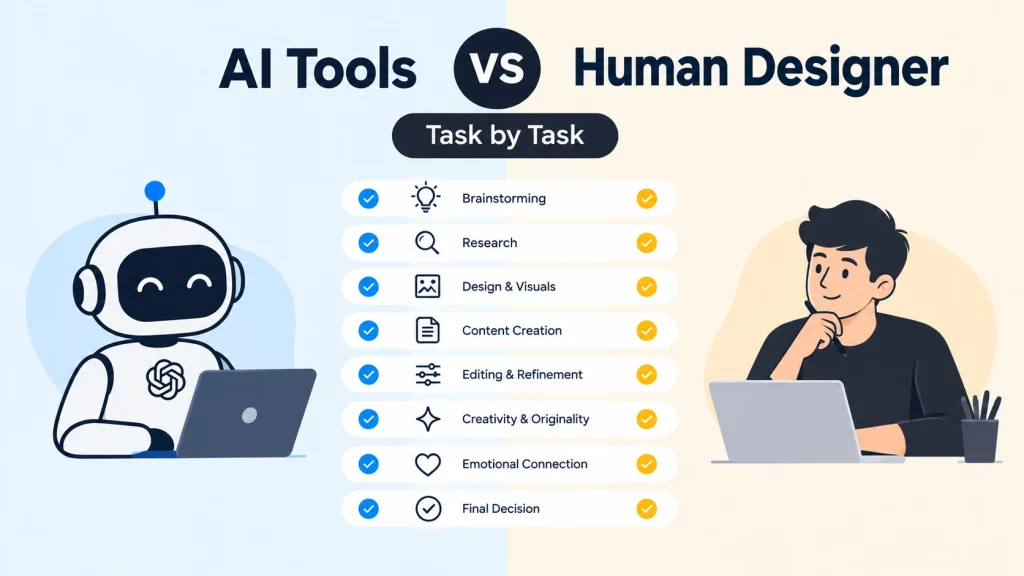
The mistake most business owners make is treating this as one big either/or decision. In practice, it works far better broken down by task.
Good candidates for AI tools:
- Quick, time-sensitive social media graphics
- Internal presentation slides
- Rough concept exploration before briefing a designer
- Simple, disposable promotional flyers
- Placeholder assets while waiting on final designed work
Tasks that still need a professional designer:
- Logo design and full brand identity
- Anything needing consistency across many touchpoints (website, packaging, signage, print)
- Print materials where color accuracy and production specs matter
- UI/UX design for real products and customers — see how this plays out in website development projects, where design decisions directly affect conversion
- Work with legal originality requirements, like anything you plan to trademark
- Client-facing pitch decks, proposals, and investor materials.
How Delenzo Technology Approaches AI and Design Together
Delenzo Technology, based in Dallas, Texas, works with small businesses that need real brand credibility, not just fast graphics. Our graphic designing services cover logo design, brand identity, social media design, print design, and UI/UX work, and our designers do use AI tools internally to speed up early concepting and rapid iteration. What we don’t do is hand a client’s logo or core brand identity entirely to a generator and call it finished. The strategy, the originality checks, and the final judgment stay human, every time — and that same human-first approach carries through our content marketing and video editing work as well.
Common Mistakes Business Owners Make With AI Design Tools
- Publishing an AI-generated logo without checking it against existing trademarks in your industry
- Using AI tools for every asset instead of just the disposable, low-stakes ones
- Assuming visual consistency will happen automatically across dozens of AI-generated assets
- Skipping a style guide entirely because “the AI tool already looks fine”
- Treating a confident AI output as a validated design decision instead of a first draft.
Final Verdict: What Should You Actually Do?
If your business is treating this as “AI tool” versus “hire a designer” as a single decision, that’s the wrong framing. The better question is: which of your design needs are commodity tasks, and which are decisions you’ll be living with for the next five years? Use AI tools freely for the first category. Bring in a professional for the second. Get that split right, and the AI-versus-designer debate mostly resolves itself.
Work With Delenzo Technology for Professional Graphic Design
If you’re weighing whether to trust your logo, brand identity, or marketing materials to an AI generator, talk to a real designer first. Learn more about Delenzo Technology or contact our team today for a free consultation on your brand and design needs.
Frequently Asked Questions
No. AI tools handle fast, low-stakes, template-based work well, but they can’t replicate brand strategy, cross-asset consistency, or the professional judgment that catches a design mistake before it goes live.
It carries real legal risk. AI image generators have been shown to produce results that resemble existing trademarked logos, since they were trained on that material — and that liability falls on the business that publishes it, not the software company.
AI tools are strong for quick social media graphics, internal presentation slides, rough concept exploration, and simple one-off promotional content that doesn’t carry long-term brand risk.
Most small businesses benefit from both — AI tools for fast, disposable content, and a professional designer for the logo, brand identity, and anything meant to represent the business consistently over several years.
Yes. Many designers use AI tools internally to speed up early concepting, mood boards, and rough drafts, then apply their own expertise to refine, correct, and finalize the work.