

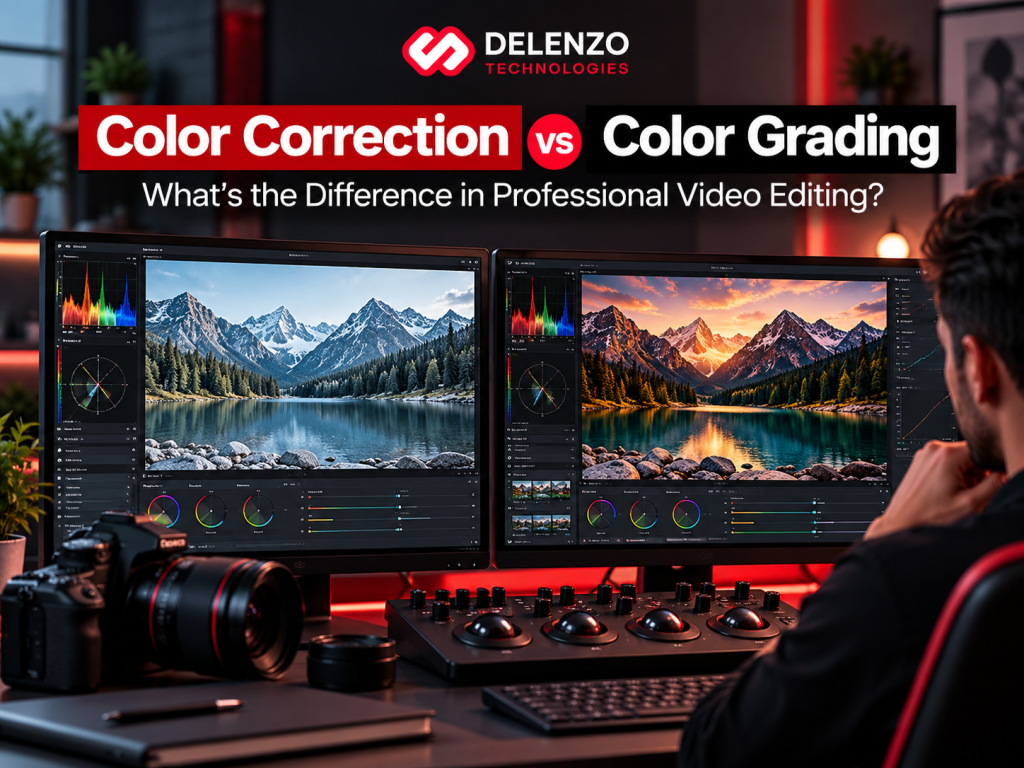
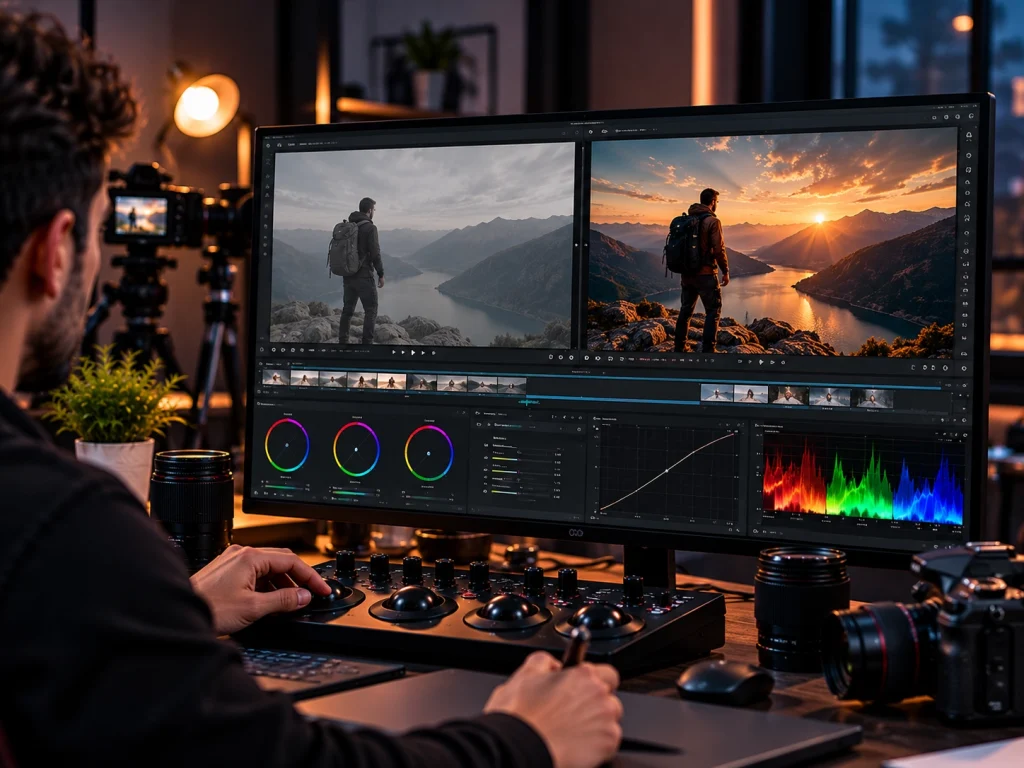
Color correction fixes footage so it looks accurate and consistent. Color grading then gives that footage a deliberate style and mood.
Both happen in post-production, and both deal with color. That is why so many people mix them up. Editing apps even place both tools in the same panel.
Here is a simple way to see it. Correction pours a level foundation. Grading designs the rooms that give the space its feel. Skip the foundation, and even the best design looks off.
Once you understand color correction vs color grading, briefing an editor and judging the final cut both get easier. Each step solves a different problem, and knowing which your video needs saves time and money.
What Is Color Correction in Video Editing?
Color correction is the technical process of making footage look accurate, balanced, and consistent. It brings every clip to a neutral baseline before any creative styling begins.
Color correction in video editing works like a reset button. It removes problems with the camera or lighting introduced on set. The aim is footage that looks the way the scene looked in person.
What Problems Does Color Correction Fix?
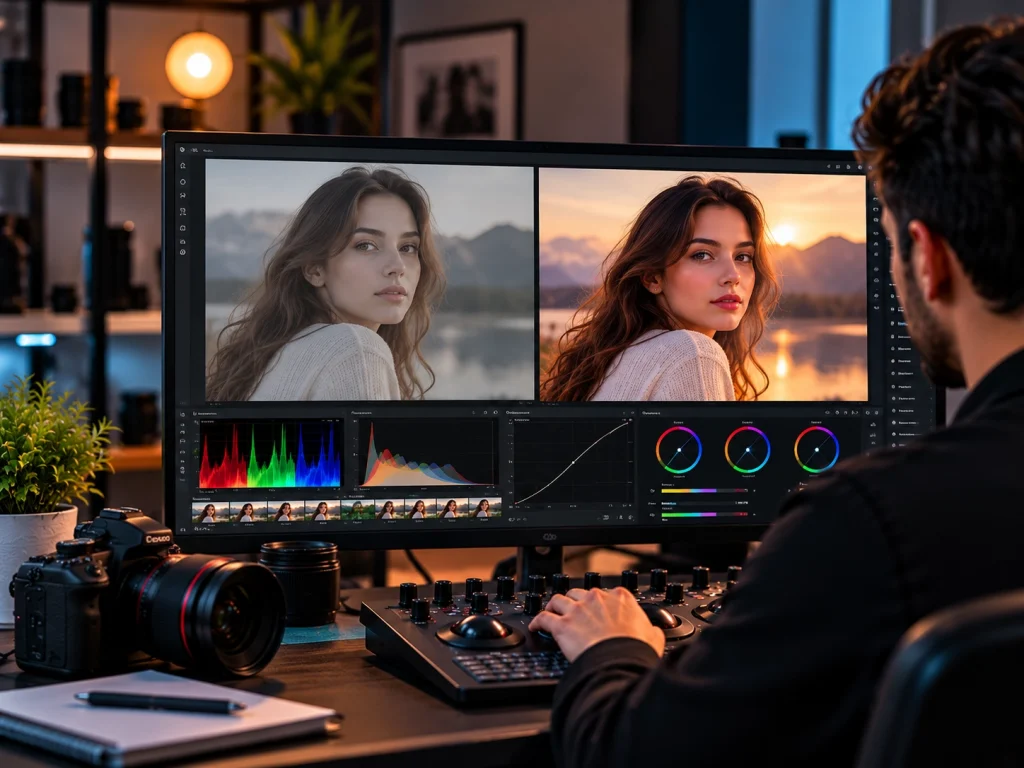
Color correction fixes technical flaws that make footage look wrong or uneven. Most of these problems come from lighting, camera settings, or mixed equipment.
Common issues include:
- Incorrect exposure: Shots that are too dark, too bright, or losing detail in highlights and shadows.
- White balance errors: Footage that looks too blue, too orange, or too green.
- Color casts: An unwanted tint from fluorescent lights, LED panels, or colored walls.
- Flat or harsh contrast: Images that look washed out or overly punchy.
- Wrong saturation: Colors that look dull or unnaturally loud.
- Inconsistent skin tones: Faces that shift color from one shot to the next.
- Mismatched shots: Clips from the same scene that do not look like they belong together.
The Goal of Color Correction: Accuracy and Consistency
The goal of color correction is to make every shot look natural and visually consistent. Viewers should never notice a jump in color or brightness between clips.
Footage rarely arrives in perfect shape. A single interview might use two cameras with different color science. An outdoor shoot can drift as clouds pass over the sun. A product video may combine studio shots with phone footage.
Good video color correction smooths out these differences. It makes the whole sequence feel like one continuous moment. That consistency is what lets a creative look work evenly later.
Primary vs Secondary Color Correction
Primary correction adjusts the whole image at once. Secondary correction targets one specific color, object, or area of the frame.
- Primary correction handles global settings like exposure, white balance, contrast, and overall saturation.
- Secondary correction isolates details such as a skin tone, a sky, a logo, or a distracting background object.
Editors usually finish primary work first. Secondary fixes then clean up anything the broad adjustments could not reach. For example, an editor might warm up a shot globally, then calm down an oversaturated red shirt.
What Is Color Grading in Video Editing?
Color grading is the creative stage that gives footage a deliberate look and feel. It happens after correction has delivered a clean, balanced image.
Where correction aims for accuracy, color grading in video editing aims for intention. The colorist decides how the audience should feel while watching. A grade can make a scene feel warm and hopeful or cold and tense.
The Goal of Color Grading: Mood, Style, and Emotion
The goal of color grading is to shape how viewers feel about a scene. Color, contrast, and light all send emotional signals before anyone says a word.
Here is how key elements influence perception:
- Color temperature: Warm tones feel inviting and nostalgic. Cool tones feel calm, clinical, or distant.
- Contrast: High contrast adds drama and energy. Low contrast feels soft, dreamy, or relaxed.
- Saturation: Rich color feels lively. Muted color feels serious, gritty, or refined.
- Shadows and highlights: Deep shadows build mystery. Bright, airy highlights feel open and optimistic.
- Color palette: A limited set of related colors gives the video a unified, intentional identity.
How Color Grading Supports Visual Storytelling
Color grading supports storytelling by matching the look of each scene to its meaning. The right grade reinforces tone, genre, emotion, and brand.
A few common examples:
- A horror film often leans on desaturated greens and heavy shadows.
- A romantic comedy tends to use warm, glowing skin and soft highlights.
- A flashback might use faded color to signal a different time period.
- A tech brand may favor clean, cool tones that feel modern and precise.
- A food brand usually wants warm, appetizing colors that make dishes look fresh.
Strong video color grading guides attention without the viewer realizing it. It quietly tells the audience how to read a scene.
What Is Cinematic Color Grading?
A cinematic grade is a polished, film-like look built through careful tonal and color choices. It is a deliberate process, not a single filter.
People often link a cinematic look with rich contrast, controlled highlights, and a refined palette. The popular teal and orange style is one well-known example. Yet true cinematic color grading depends on the footage, the lighting, and the story.
A preset or LUT can be a useful starting point. It cannot judge skin tones, adjust each shot, or respond to the narrative. Professionals build the look shot by shot, then refine it across the full sequence.
Color Correction vs Color Grading: What Are the Main Differences?
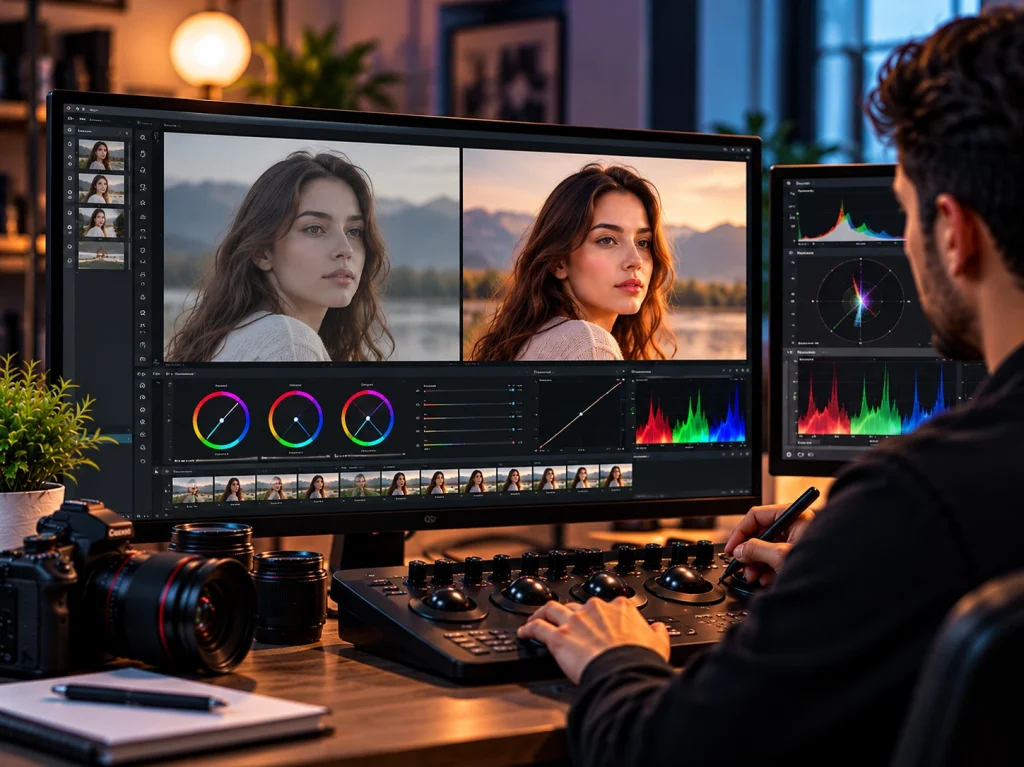
The main difference is purpose. Correction makes footage technically right, while grading makes footage look and feel a specific way.
They also differ in workflow order, decision style, and the final result. Understanding color grading vs color correction helps you brief editors clearly and set realistic expectations.
Technical Accuracy vs Creative Expression
Correction is about technical accuracy. Grading is about creative expression.
Correction checks whether the image looks technically right. Whites should look white, and faces should look healthy. Grading decides how the image should intentionally look and feel. That answer depends on the story, the brand, and the audience.
Shot-Level Fixes vs Scene-Level Visual Style
Correction often works shot by shot to fix individual problems. Grading usually works across scenes to build one cohesive look.
During correction, an editor might fix a dark clip here and a blue clip there. Each adjustment solves a local problem. Grading steps back and views the sequence as a whole. It makes sure an entire scene, or the entire video, shares one visual style.
Objective Decisions vs Subjective Creative Decisions
Correction relies mostly on objective, measurable decisions. Grading relies on subjective choices guided by creative direction.
Incorrect white balance or clipped highlights can be measured on video scopes. Most professionals would agree on the fix. Grading choices are different. One director may want a warm look, while another prefers cool and muted tones. Both can be correct if they serve the project.
Comparison Table: Color Correction and Color Grading
| Factor | Color Correction | Color Grading | Professional Purpose |
| Goal | Accuracy | Mood and style | Clean base, then intent |
| Workflow order | First | Second | Stable results |
| Exposure and white balance | Fixes errors | Shifts on purpose | Errors vs choices |
| Shot matching | Core task | Builds on it | Continuity |
| Mood and style | Neutral | Central | Story and brand |
| LUT usage | Technical LUTs | Creative LUTs | Speed, not skill |
| Scopes | Accurate fixes | Safe limits | Objective checks |
| Final result | Balanced image | Stylized image | Polished video |
| Factor | Color Correction | Color Grading | Professional Purpose |
| Goal | Accuracy | Mood and style | Clean base, then intent |
In short, correction makes footage accurate, and grading makes it expressive. Professional projects need both steps, in that order.
What Happens During Professional Color Correction?
Professional color correction follows a clear technical process. Editors normalize footage, fix core settings, protect natural colors, and match every shot.
Correct Exposure, White Balance, Contrast, and Saturation
The first step is fixing four foundational settings. These adjustments normalize footage and keep usable detail in highlights and shadows.
- Exposure: Set overall brightness so the subject is clear and no detail is lost.
- White balance: Remove color casts so neutral tones look truly neutral.
- Contrast: Set black and white points to add depth without crushing detail.
- Saturation: Bring colors to a natural, believable level.
Many cameras record in a flat log profile to capture more dynamic range. That footage looks gray and washed out at first. Correction converts it into a normal viewing image before other work begins.
Match Skin Tones and Natural Colors
Skin tones need careful, gentle handling. Viewers instantly notice when a face looks too orange, too pink, or sickly green.
Pushing saturation higher rarely fixes skin. It usually makes faces look sunburned or plastic. Professionals use the vectorscope, which shows a reference line for skin tones. Healthy skin across many complexions tends to sit near that line.
Other familiar colors need the same care. Grass, sky, food, and product colors should look like the real thing. A brand’s signature color must also stay accurate in every shot.
Match Shots From Different Cameras and Lighting Conditions
Shot matching makes footage from different sources look like one continuous scene. It is one of the most important parts of a color correction workflow.
Mismatches happen for many reasons:
- Two camera brands record color in different ways.
- Natural light changes during a long outdoor shoot.
- One room uses warm bulbs while another uses daylight.
- B-roll was filmed on a different day or device.
Editors usually choose a hero shot as the reference. They then match each clip to it using scopes and side-by-side comparisons. The result is smooth continuity that viewers never think about.
What Happens During Professional Color Grading?
Professional color grading turns corrected footage into a finished, intentional look. It starts with a creative direction, then shapes tone, color, and key details.
Define the Visual Look and Color Palette
The grade starts with a clear creative direction. Colorists define the look based on the story, brand, audience, and campaign goals.
Common reference sources include:
- Brand identity guidelines and signature colors
- Mood boards or reference frames from films and ads
- The director’s or client’s creative brief
- Platform and audience expectations
A defined palette keeps decisions consistent. It also saves time because every adjustment serves one shared vision.
Shape Highlights, Shadows, Contrast, and Color Relationships
Colorists shape tone and color to create depth, emphasis, and atmosphere. Small changes in shadows and highlights can completely change how a scene feels.
For example, a colorist might add a slight cool tint to shadows and keep highlights warm. That contrast helps separate the subject from the background. Lifting the shadows softens a scene, while deeper blacks add weight and drama.
Color relationships matter too. Warm skin against a cool background helps subjects stand out. Neighboring colors on the color wheel create calm harmony.
Refine Specific Colors, Skin Tones, and Important Visual Elements
The final grading step protects what matters most in each frame. Selective adjustments keep subjects natural while the rest of the image carries the style.
A strong teal look, for example, might accidentally turn faces gray. A colorist uses masks or qualifiers to isolate skin and keep it healthy. The same method keeps a product true to color or draws the eye to a key area.
Vignettes and power windows guide attention without the viewer noticing. This detail work separates a quick filter from post production color grading done with care.
Which Comes First: Color Correction or Color Grading?
Color correction comes first in a typical professional workflow. Editors balance and match footage before they build any creative look.
Current guidance from Adobe and Vimeo follows this same order. A clean, consistent base gives the creative grade a reliable starting point.
Why Professionals Usually Correct Before They Grade
Professionals correct first because a grade reacts differently to each shot. Uneven footage makes the same look behave unpredictably across a sequence.
Picture one creative look applied to two clips. One clip is underexposed and the other is too blue. The look will appear muddy on the first and strangely tinted on the second. Fixing the base first lets one grade sit evenly across every shot. It also saves hours of rework.
Professional Workflow: Normalize → Correct → Match → Grade → Review
A reliable color grading workflow moves through five clear stages. Each stage builds on the one before it.
- Normalize: Convert log or raw footage into a standard color space, such as Rec.709 for most online video.
- Correct: Fix exposure, white balance, contrast, and saturation on each clip.
- Match: Align every shot to a reference so scenes feel continuous.
- Grade: Apply the creative look, palette, and selective refinements.
- Review: Check the result on a calibrated display and scopes, then fix any issues before delivery.
What Tools Are Used for Color Correction and Color Grading?
Professionals use video scopes to measure color and tonal controls to adjust it. Popular platforms like DaVinci Resolve and Adobe Premiere Pro include both.
The software matters less than knowing what each tool does. The same core tools appear in almost every professional editing app.
Waveform, Vectorscope, Histogram, and RGB Parade
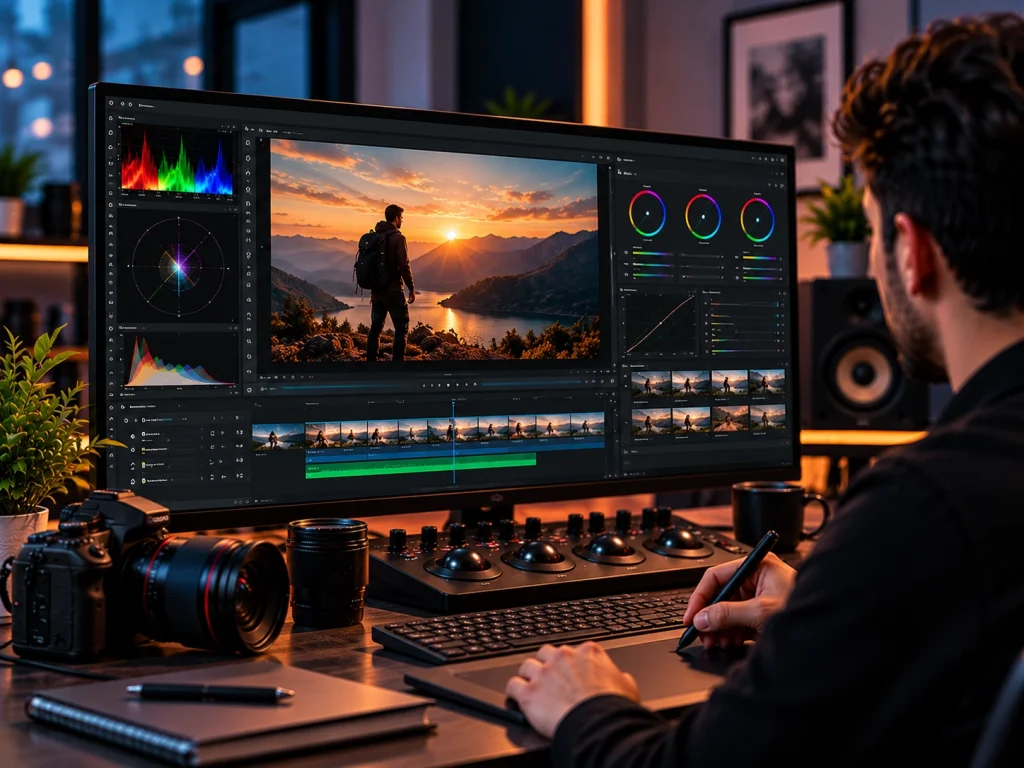
Video scopes give objective data about brightness and color. They show what is actually in the image, not just how it appears on a screen.
- Waveform: Displays brightness levels across the frame, from black to white.
- Vectorscope: Shows hue and saturation, including a reference line for skin tones.
- Histogram: Charts how many pixels fall at each brightness level.
- RGB Parade: Shows red, green, and blue channels side by side to reveal color casts.
Adobe highlights these four scopes as key tools for judging color and luminance. Together, they form the backbone of accurate video editing color correction.
Curves, Color Wheels, HSL, Masks, and Secondary Controls
These controls make broad or targeted adjustments during both correction and grading.
- Curves: Fine-tune contrast and individual color channels with precision.
- Color wheels: Shift color in shadows, midtones, and highlights separately.
- HSL controls: Adjust the hue, saturation, and lightness of one specific color.
- Masks and power windows: Limit an adjustment to one area of the frame.
- Qualifiers: Select pixels by color or brightness for precise secondary work.
Broad tools handle the overall image. Targeted tools handle the details that make footage look truly finished.
What Are LUTs and Where Should They Be Used?
A LUT, or lookup table, is a preset that converts input colors into new output colors. LUTs can serve technical or creative purposes.
There are two main types:
- Technical LUTs convert log footage into a standard color space. Camera makers often provide these.
- Creative LUTs apply a stylized look as a starting point for the grade.
Color grading LUTs save time, but they are not a full grade. A LUT applies the same math to every shot. It cannot judge exposure, skin tones, or story. Professionals apply LUTs after correction and then fine-tune each clip.
Why Color Correction and Grading Matter in Professional Video Editing
Color work makes videos look polished, consistent, and on brand. It directly affects how viewers judge your quality and trust your message.
Skilled video color correction and grading turns raw footage into content that performs. It matters for brand films, ads, and social content alike. Polished visuals are one reason professional video editing increases engagement and conversions.
Create Visual Consistency Across the Entire Video
Consistent color makes separate shots feel like one polished production. Viewers notice jumps in color even when they cannot explain why.
This matters most for multi-camera interviews, events, and videos filmed across several locations. It also matters when footage comes from different days or team members. Consistency keeps attention on the message instead of the edits.
Strengthen Brand Identity and Viewer Perception
Deliberate color treatment helps audiences recognize your brand faster. It also signals professionalism and care.
Brands with a signature visual style feel familiar even before a logo appears. A consistent grade across ads, product videos, and social clips builds that same recognition. It shapes whether viewers see your brand as premium, friendly, bold, or trustworthy. Learn more about how video editing improves brand awareness.
Support Storytelling Without Distracting the Viewer
The best color work supports the message without drawing attention to itself. Viewers should feel the mood, not notice the effect.
Heavy-handed grades can pull people out of the story. Strange skin tones or extreme color shifts feel distracting. Subtle, purposeful color keeps viewers focused and emotionally engaged.
When Does a Video Need Color Correction, Color Grading, or Both?
Most professional videos need correction, and many also benefit from grading. The right level depends on your goals, audience, and budget.
Not every project needs a cinematic look. Each of the different types of video editing services calls for a different level of color work. Matching color treatment to purpose keeps video editing costs efficient and results effective.
When Color Correction May Be the Main Requirement
Correction may be enough when natural, consistent visuals are the main goal. The focus is clarity, not style.
This usually applies to:
- Interviews and testimonials
- Corporate training and internal updates
- Webinars and recorded presentations
- Tutorials and how-to videos
- Simple talking-head content
These videos still benefit from a light, clean grade. The priority, though, is accurate skin tones and consistent shots.
When Professional Color Grading Adds More Value
Grading adds the most value when a video must stand out or stir emotion. It helps projects that need a distinct visual identity or a strong story. Color is one key part of a high-converting marketing video.
This usually applies to:
- TV and online commercials
- Branded films and documentaries
- Cinematic campaigns and brand launches
- Product launch videos
- Story-driven social content
- Music videos and creative projects
Color Workflow by Video Type
| Video Type | Color Correction Need | Color Grading Need | Main Objective |
| Corporate videos | High | Light to moderate | Clean, professional consistency |
| YouTube videos | High | Moderate | A recognizable channel style |
| Interviews | High | Light | Natural skin tones and matched angles |
| Product videos | High | Moderate to high | Accurate product colors with appeal |
| Social media ads | High | Moderate to high | Scroll-stopping, on-brand visuals |
| Commercials | High | High | Strong mood and brand recall |
| Branded films | High | High | Emotional storytelling and identity |
| Cinematic projects | High | Very high | A distinct, film-quality look |
Every video type needs solid color correction. The need for grading grows as creative and emotional goals grow.
Common Color Correction and Color Grading Mistakes
The most common mistakes come from skipping correction, trusting only your eyes, or pushing the grade too far. Each one is easy to avoid with a clear process. For broader editing errors, see our guide to common video editing mistakes businesses should avoid.
Applying a Creative LUT Before Fixing the Footage
A creative LUT cannot fix poor exposure, wrong white balance, or mismatched shots. Applying one first only stacks a look on top of existing problems.
The result is usually inconsistent. One clip looks great, the next looks muddy, and a third turns orange. Correct and match first, then apply the LUT as a starting point.
Relying Only on Your Eyes Instead of Video Scopes
Your eyes adapt to color over time, and every screen displays color differently. Scopes give objective readings that do not change with your monitor or mood.
A laptop screen might look bright and warm, while a phone looks cool. Room lighting also shifts how you see color. Checking scopes, and ideally a calibrated monitor, keeps results accurate on every viewer’s device.
Over-Grading and Creating Unnatural Skin Tones
Over-grading happens when a look is pushed so far it damages the image. Skin tones are usually the first thing to suffer.
Watch for these warning signs:
- Saturation so high that faces look orange or sunburned
- Crushed shadows that hide important detail
- Clipped highlights that blow out skies and skin
- Color casts so strong they look like a mistake
- Teal or green tints that make skin look sickly
Pull the grade back until skin looks healthy and detail returns. Restraint usually looks more professional.
Final Thoughts: Color Correction and Color Grading Work Together
Color correction and color grading are partners, not competing choices. Correction builds a clean, consistent foundation, and grading adds creative intent.
When people debate color correction vs color grading, the real answer is that strong videos need both. Skipping correction makes a grade unpredictable. Skipping grading can leave a video technically fine but emotionally flat. Together, they turn raw footage into a finished production that looks intentional.
At Delenzo Technologies in Dallas, our editors handle both stages with care. We correct, match, and grade footage for businesses across the USA. If your next project needs a polished, on-brand finish, explore our professional video editing services. If you are comparing partners, our guide on choosing the right video editing agency can help.
Frequently Asked Questions
What is the main difference between color correction and color grading?
Color correction fixes footage so it looks accurate and consistent. Color grading comes after and adds a deliberate mood or style. Correction aims for accuracy, while grading aims for emotion.
Should you color correct before color grading?
Yes. Professionals color correct first because a creative grade behaves unpredictably on uneven footage. Fixing exposure, white balance, and shot matching first lets one grade look consistent across every clip.
Do all professionally edited videos need both color correction and color grading?
Most professional videos need color correction, but not all need heavy grading. Interviews and tutorials mainly need accuracy, while commercials, branded films, and product launches gain the most from grading.
Is using a LUT the same as color grading?
No. A LUT applies the same preset to every shot, while color grading adjusts each clip individually. LUTs work best as a starting point after correction is complete.
What tools do professional editors use for color correction and grading?
Professional editors use video scopes like the waveform, vectorscope, and RGB parade to measure color. They adjust it with curves, color wheels, and masks in DaVinci Resolve or Premiere Pro.