

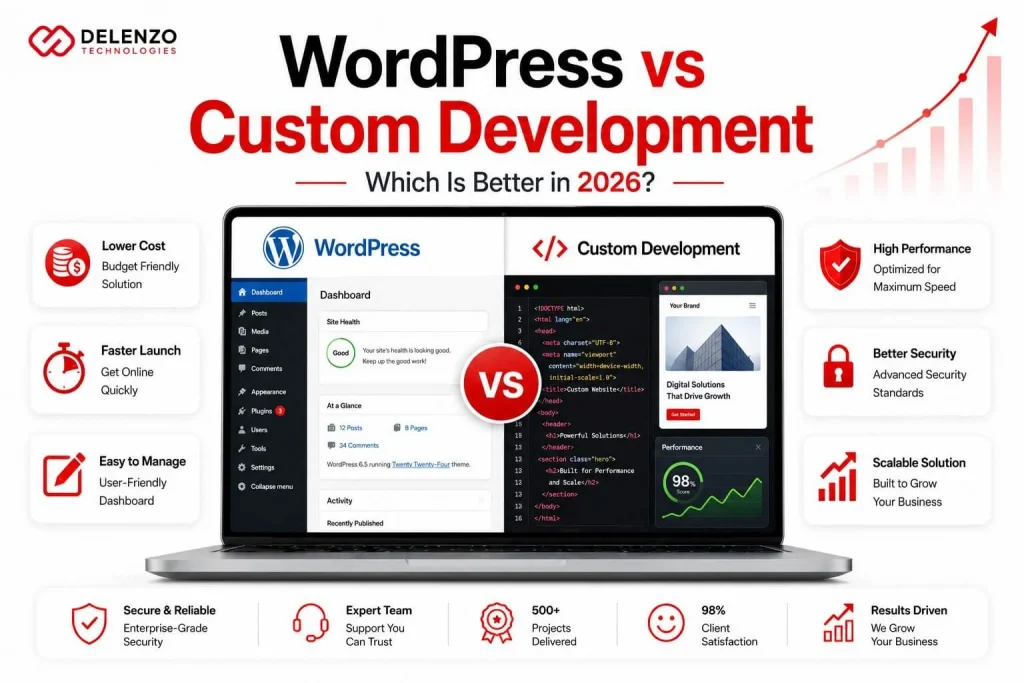
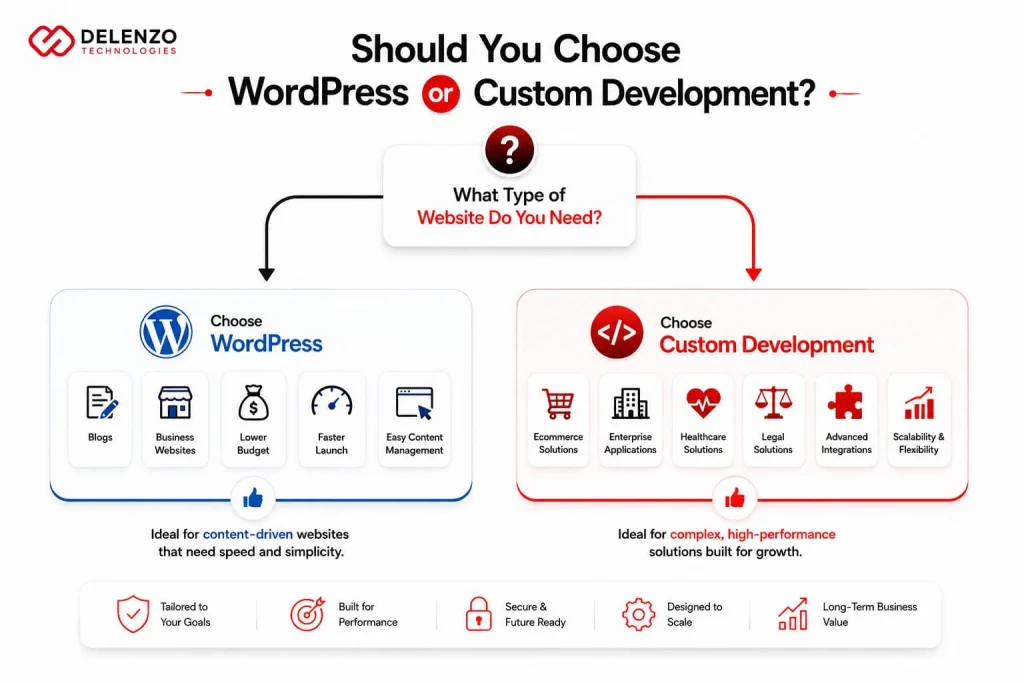
Choosing between WordPress website development vs custom development comes down to one thing: matching the platform to your growth plan, not the cheaper quote. WordPress fits content-driven sites, blogs, and small to mid-size businesses that want lower cost and easy editing. Custom development fits ecommerce, regulated industries, and high-traffic platforms that need speed, security, and room to scale. If two quotes promise “your new website” at very different prices, they aren’t selling the same thing.
This guide breaks down the decision the way we’d explain it across the table, so you can read those quotes and know which one actually fits.
The State of WordPress in 2026: What It Is and What It Isn’t
WordPress is open-source software that powers roughly 41% of all websites according to W3 Techs It comes in two forms: the classic CMS (admin dashboard, themes, plugins) and headless WordPress, where WordPress stores your content and a separate coded front end displays it. Custom development skips the CMS layer entirely and builds the site directly in code.
To read the WordPress CMS 2026 state honestly, separate the platform from the plugins. WordPress core is stable, well-maintained, and secure. Most of the trouble people blame on “WordPress” comes from a stack of 30 third-party plugins glued together by whoever built the site.
Two myths are worth clearing up: WordPress isn’t just for blogs anymore, and “custom” doesn’t always mean built from scratch (many custom builds use frameworks like Laravel or Next.js). The real wordpress website development vs custom development question isn’t which is better; it’s which one fits your budget, growth, and risk tolerance. We’ll judge both on six things: cost, speed, security, scalability, compliance, and ownership.
What Professional WordPress Website Development Actually Includes
Professional WordPress work is far more than installing a theme and picking colors. A build worth paying for includes a custom theme, a vetted set of plugins, proper SEO configuration, security hardening, performance tuning, hosting setup, and a maintenance plan you can actually rely on. The gap between a $500 template site and a built-for-business site is everything that happens after the homepage gets approved.
Most cheap quotes quietly drop half of that scope. That’s where the real difference shows up later, so it’s worth seeing the two approaches side by side before you sign anything. Quality WordPress website development services treat the items below as standard, not as upsells.
| Scope item | Template / cheap build | Professional build |
| Theme | Off-the-shelf, shared by thousands | Custom or heavily tailored |
| Plugins | Whatever’s free, unvetted | Audited, minimal, licensed |
| SEO setup | Title plugin installed, that’s it | Schema, speed, structure, indexing |
| Security | “It updates itself” | Hardening, firewall, backups, monitoring |
| Performance | Hope it loads | Caching, image optimization, CWV tuning |
| Hosting | Cheapest shared plan | Managed, scaled to traffic |
| Maintenance | None | Scheduled updates and support |
When someone hands you a low number, ask which rows they’re skipping. The answer tells you the whole story.
Performance Showdown: WordPress Plugin Bloat vs Custom Code Speed
Speed comes down to how much weight the site carries. A WordPress site running 25 plugins loads every plugin’s scripts and styles on every page, whether the page needs them or not. A custom build only ships the code that page uses. That’s the core of the wordpress vs custom development speed performance difference: WordPress can be fast, but it takes discipline to keep it that way, while custom code starts to lean by default.
This matters because Google’s Core Web Vitals are a ranking signal, and slow pages lose customers before they read a word. A bloated WordPress site can still pass Core Web Vitals, but only with caching, a CDN, image optimization, and a hard look at every plugin. A custom site clears the bar with less effort and holds it as you add features. When milliseconds tie to revenue, that head start pays for itself.
Security Realities: Why WordPress Websites Require Ongoing Protection
WordPress sites need ongoing protection because their weak points sit outside the core software. WordPress itself is well-defended; the risk comes from plugins, themes, and people who forget to update them. Most WordPress security risks 2026 trace back to three things:
- Outdated plugins with known, publicly listed vulnerabilities
- Abandoned themes that nobody patches anymore
- Brute-force attacks hammering the login page
That’s why a WordPress site is never “done.” It needs scheduled updates, a firewall, login limits, malware scanning, and current backups. Skip that and you’re running known vulnerabilities in public. Custom builds carry a smaller attack surface: no public plugin directory to probe, no standard admin URL to hammer. They still need patching, but you’re patching your own code, not a marketplace of add-ons you didn’t write. Neither option is set-and-forget WordPress just demands more discipline to stay safe.
Total Cost of Ownership: The Real 3-Year Budget Comparison
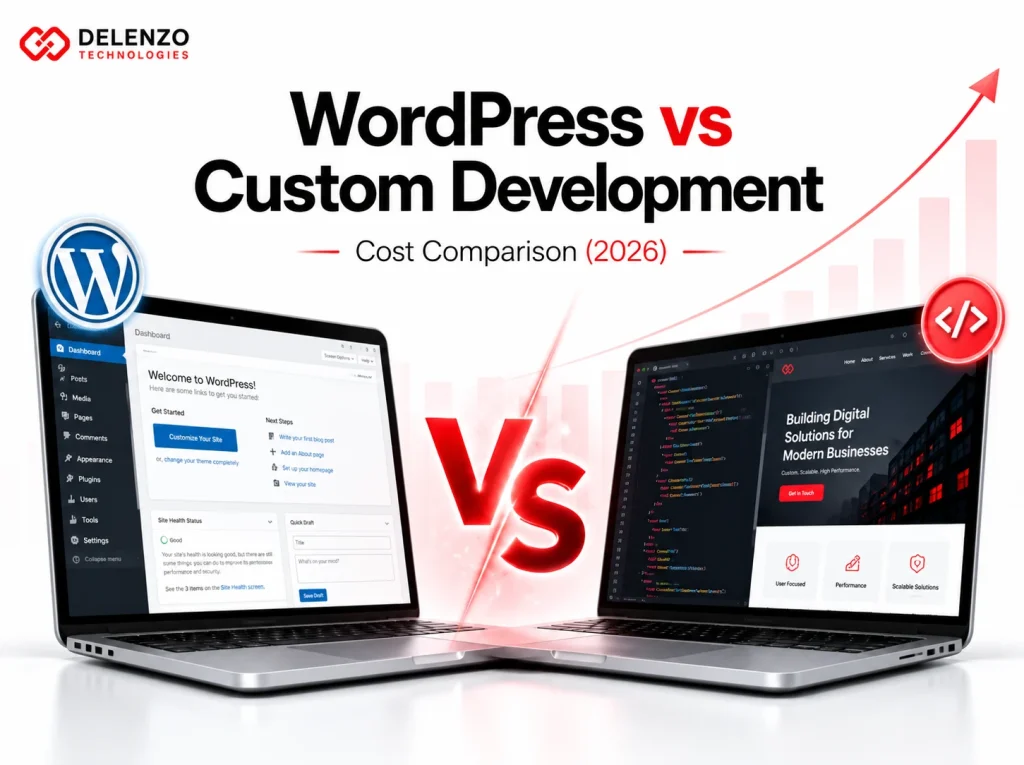
The build price on the quote is the smallest number you’ll pay. To compare honestly, you have to look at the wordpress vs custom development cost 3 year TCO: build, hosting, maintenance, plugin licenses, and security over the life of the site. WordPress usually wins on day one and narrows over time. Custom costs more upfront but carries fewer recurring license fees.
3-Year Total Cost of Ownership (TCO) Comparison
| Cost Item | WordPress (Typical Range) | Custom Build (Typical Range) |
| Initial Build | $500 – $15,000+ | $5,000 – $80,000+ |
| Hosting (3 yr) | $100 – $3,000 | $0 – $5,000 (Varies by tech stack) |
| Maintenance (3 yr) | $1,000 – $15,000 | $0 – $5,000 |
| Plugins / Licenses | $300 – $3,000 | Minimal |
| Security / Backups | Included to $1,000 | Built-in / Architecture-level |
Ranges are illustrative and depend on scope, traffic, and complexity. The takeaway holds regardless: WordPress is cheaper to start, custom is cheaper to own at scale, and the plugin license line is where WordPress quietly leaks money year after year. Run the three-year math before you celebrate the lower bid.
When WordPress Is the Right Choice for Your Business
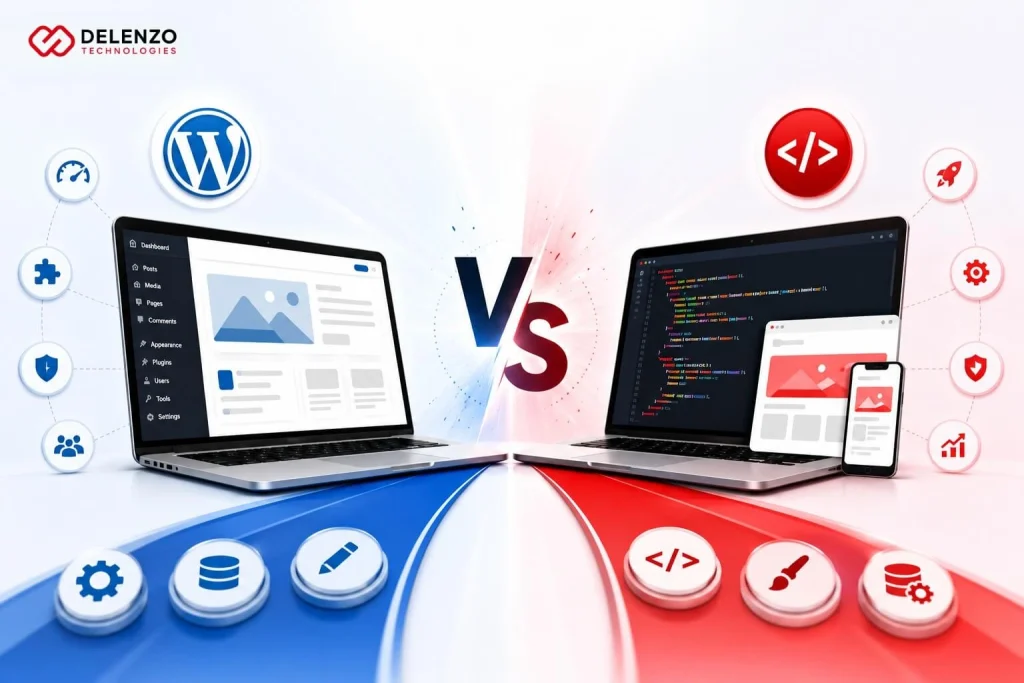
WordPress is the right call more often than developers admit. Knowing when to choose WordPress development comes down to your content needs and your growth curve, not your ego about having something “custom.” If your team needs to publish often and edit without a developer, WordPress earns its keep.
It’s the strong choice for:
- Content-heavy sites and blogs, where you publish weekly and need a simple editor
- Small and mid-size businesses that want a professional presence without enterprise cost
- Brochure and service sites that won’t see massive traffic spikes
- Budget-conscious projects that still need to look credible and rank
- Teams that change content themselves and don’t want to wait on a queue
If that’s you, paying for a custom build is paying for headroom you may never use.
When You Need Custom Development Instead
Some projects outgrow WordPress before they launch. Knowing when to choose custom website development comes down to performance demands, security control, and how far the rules bend. When a plugin can’t do the job, or shouldn’t be trusted with the job, custom is the honest answer.
Custom development tends to win for:
- High-volume ecommerce, where checkout speed and reliability move real revenue
- Healthcare and legal, where compliance and data handling can’t be left to plugins
- Enterprise platforms with complex logic, integrations, or user roles
- High-traffic sites that need to stay fast under load
- Products with a roadmap, where today’s site is the first version of something bigger
If your site is core to how the business runs, you want full control of the code. Our custom web development team builds for exactly these cases, where off-the-shelf stops being enough.
Scalability Comparison: What Happens When Your Business Grows?
Growth is where the two paths split hardest. The wordpress vs custom scalability gap is small at the start and wide at the finish. A WordPress site handles a startup’s traffic fine. Push it toward heavy concurrent users, complex features, and millions of records, and you start fighting the platform’s assumptions. Custom builds are designed around your scale from the first line of code.
| Growth stage | WordPress | Custom |
| Startup / launch | Excellent fit, fast to ship | Overkill for most |
| Growth phase | Works with tuning and caching | Comfortable, room to spare |
| Scale / high traffic | Strains, needs heavy optimization | Built for it |
The honest read: WordPress scales further than skeptics claim, but past a certain point you’re spending more on workarounds than a custom build would have cost. If you can see that ceiling coming, plan for it now.
Compliance Reality: HIPAA, Legal Security & Why WordPress Makes It Hard
Regulated industries change the math completely. Building a HIPAA compliant WordPress website is possible, but WordPress fights you the whole way. HIPAA requires control over how protected health information is stored, transmitted, and logged, plus a Business Associate Agreement (BAA) with every vendor that touches that data, including your host and any plugin that processes it.
That last part is the problem. A typical WordPress site runs a dozen third-party plugins, and most plugin vendors won’t sign a BAA. Each one becomes a compliance gap you have to audit. With custom development you control the entire data path and choose only vendors who’ll stand behind the agreement. The same goes for legal and finance, where a breach means lawsuits, not just bad press. When the regulator asks who has access to the data, “a plugin I downloaded” is not an answer you want to give.
Dallas Agency Rates: What WordPress and Custom Development Costs in Texas
WordPress agency Dallas rates sit in the middle: higher than offshore shops, lower than coastal agencies in New York or San Francisco. For Texas businesses, that means senior talent without the coastal price tag.
But the rate isn’t the whole story. A Dallas agency works in your hours, so a morning question gets a same-day answer, not a reply overnight. You get someone you can hold accountable in person, contracts under Texas law, and a real phone call when the site goes down. Offshore shops win on price and lose on the things that matter most when something breaks: clear communication, ownership, and being awake when you are.
How to Choose the Right Developer for Your Project
The platform matters less than the team building on it. The right developer earns your trust before you sign, not after the project stalls. Look for clear, confident answers on these six things:
- Experience: live sites they’ve built that match your type of project
- Maintenance: what’s included after launch, and what ongoing support costs
- Security: how they handle updates, backups, and a site that gets hacked
- Performance: whether the build passes Core Web Vitals, and how they keep it fast
- Compliance: how they manage data and BAAs if you’re in a regulated field
- Process: who owns the code and accounts when the engagement ends
If a developer dodges the support and ownership points, that’s your answer. The right partner is happy to tell you what happens after the invoice is paid.
The Bottom Line
The wordpress website development vs custom development choice isn’t about which platform is “better.” It’s about which one fits how your business works, today and three years from now. WordPress wins on cost and content. Custom wins on performance, control, and compliance. The mistake is letting the lower quote make the decision for you.
Delenzo Technologies is a Dallas-based digital marketing agency providing website development services in both WordPress and custom code, so we have no reason to push you toward one or the other. We start with your goals, your budget, and your growth plan, then tell you straight which approach saves you money and headaches over the long run. If you’re staring at two quotes and not sure which is right, talk to our team and we’ll help you decide before you spend a dollar.
Frequently Asked Questions
Is WordPress better than custom code for SEO?
Neither wins automatically. WordPress gives you powerful SEO plugins out of the box, while custom code gives cleaner markup and faster Core Web Vitals. Both rank well; execution and page speed matter more than platform.
How much does a custom WordPress site cost in 2026?
Most custom WordPress sites cost between $5,000 and $15,000 in 2026, though complex builds can range up to $25,000. Final pricing depends on design, custom features, third-party integrations, and ecommerce requirements.
What are the real security risks of WordPress plugins?
The biggest risk is outdated plugins with known vulnerabilities that attackers scan for automatically. Abandoned plugins, weak code, and skipped updates open doors to malware, data theft, and full site takeovers.
How much does WordPress website maintenance cost per month?
Most businesses pay between $50 and $500 monthly for WordPress maintenance. That covers plugin and core updates, security scans, backups, uptime monitoring, and support hours, scaling with your site’s size and complexity.
Is WordPress suitable for a medical or legal website in 2026?
It can work, but it’s rarely the safest choice. HIPAA and legal compliance require strict data control and signed BAAs, which most plugins won’t provide. Custom development is usually preferred for regulated industries.